%20(1).png)
Sky replacement is a powerful creative tool that can transform mood, light, and impact across photography genres. This article explains when it works, when it doesn’t, and how to use it naturally with Photoshop or AI tools.
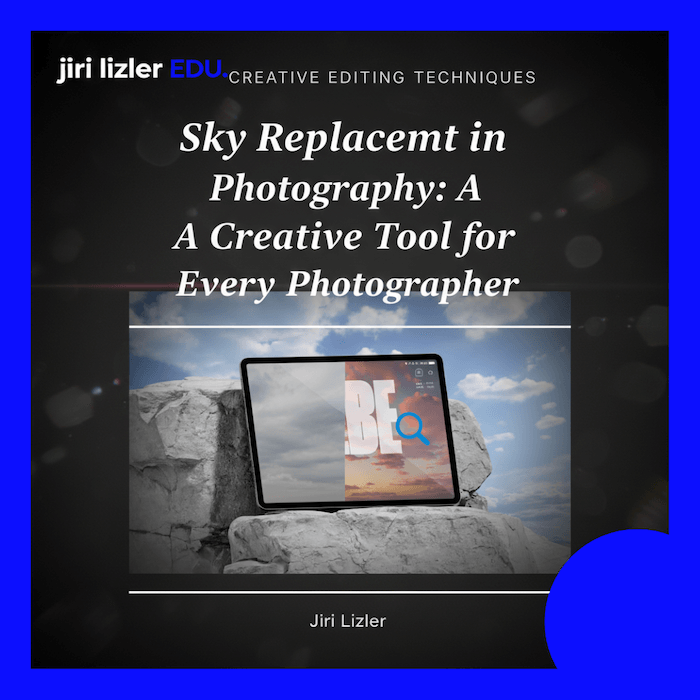

Did you know that the sky can make a huge difference in how your photographs are perceived? Sky replacement is a technique that can elevate even the most ordinary images into an entirely new dimension. Whether you’re a professional photographer or an enthusiastic amateur, this method opens the door to endless creative possibilities.
Imagine being able to adjust the atmosphere of your photograph and transform it from ordinary to breathtaking. From dramatic storm clouds to romantic sunsets, the sky strongly influences the overall impression of an image — its colors, light, and mood.
When do we use it? There are days when the sky is simply unattractive — or not present at all. In some regions, such as parts of the Middle East, the sky is often flat, grey, and lifeless. These are ideal situations for sky replacement.
Imagine you’re traveling and the sky is dull and overcast. Sky replacement allows you to create ideal conditions even when reality doesn’t cooperate. You can transform landscapes into scenes that radiate calm, balance, and visual harmony.
In portraits, a dramatic or magical sky can add depth and emotion. It helps create captivating images full of atmosphere — or clean, professional portraits that immediately draw attention.
When photographing architecture, the sky can emphasize the lines, shapes, and structure of a building. Dramatic clouds add contrast, helping architectural details stand out and creating a strong visual impact.
Even in product photography, sky replacement can be useful. Adding an interesting sky to outdoor product shots can significantly increase visual appeal and attract customers’ attention.
Although sky replacement is a powerful tool, there are situations where it is not suitable — or simply not possible.
For example, you cannot realistically turn a daytime scene into a nighttime one using sky replacement alone. Such a transformation would require changes to lighting, shadows, and the entire atmosphere of the image. The same applies when trying to turn an overcast sky into a sunny one without modifying the rest of the scene — shadows would no longer match.
These changes often look artificial and break the authenticity of the photograph. Context, time of day, and weather conditions must always be respected to maintain a believable result.
Thanks to modern tools such as Adobe Photoshop and Luminar, sky replacement is easier than ever. These applications offer user-friendly features that allow even beginners to work with this technique efficiently.
If you want to go deeper, a dedicated sky replacement course is highly recommended — suitable for both beginners and advanced photographers.
Most photographers gradually build their own sky libraries. Some days, we intentionally go “sky hunting” to expand our collection under different lighting conditions.
Alternatively, you can purchase professional sky collections — both international and local. You’re welcome to explore our own sky library and use it as inspiration for your creative projects. Before-and-after examples clearly demonstrate how much impact a high-quality sky can have.
The ethical aspect of sky replacement is often discussed. The key is maintaining authenticity and choosing skies that match the lighting and atmosphere of the scene.
That said, we’re not overly concerned about ethical issues — as long as everything important in the image remains intact and the replacement looks natural and believable.
The choice between manual sky replacement in Photoshop and AI-based tools depends on your needs and workflow.
Manual work gives you full control over:
This approach usually means working with your own sky library or a purchased collection (such as ours), which includes full commercial usage rights. Always verify license terms.
AI tools like Luminar or automated sky replacement features in modern versions of Photoshop can dramatically speed up the process. They are ideal for photographers who need fast, efficient results with minimal manual work.
However, when using AI tools, it’s essential to:
Both approaches have their advantages — the right choice depends on how much control you need and how much time you have.
Sky replacement is a fascinating technique that offers vast creative freedom. Explore new dimensions in your photography and let your imagination flow freely.
If this technique interests you and you’d like to learn more, take a look at our dedicated course — including a professionally curated sky library with full commercial usage rights.
👉 Explore the Sky Replacement Course & Sky Library